AI Meets Project Management: Integrating Gemini into a Planning Workflow
A practical look at integrating Google's Gemini API into an advisory-only AI planning assistant — how to keep AI useful without letting it make decisions that belong to humans.
Most AI features in project management tools try to replace the planner. I went the other way: build an assistant that suggests, and let the human decide.
This post is about how I integrated Google's Gemini API into the TDG Management Platform's planning workflow, and the constraints that made the feature genuinely useful rather than a gimmick.
The Design Principle: Advisory-Only
The single most important decision was also the simplest: the AI assistant never writes to the plan. It suggests task estimates and sprint priorities; engineers review and accept or reject.
Why?
- Ownership stays with the team. A plan you didn't author is a plan you won't defend.
- The model can be wrong in ways that are expensive if automated — a bad estimate becomes a missed deadline; a bad priority becomes the wrong work done first.
- It keeps the architecture simple. A read-only AI layer is easier to reason about, test, and constrain.
What the Assistant Actually Does
The assistant suggests two things:
- Task estimates — given a task description and historical context, it proposes a time estimate.
- Sprint priorities — given the current backlog and team capacity, it suggests an ordering.
In both cases the output is a suggestion with a short rationale, not a command. The engineer sees the suggestion, the reasoning, and a clear accept/reject action.
Integration Architecture
On the TDG platform, the flow is:
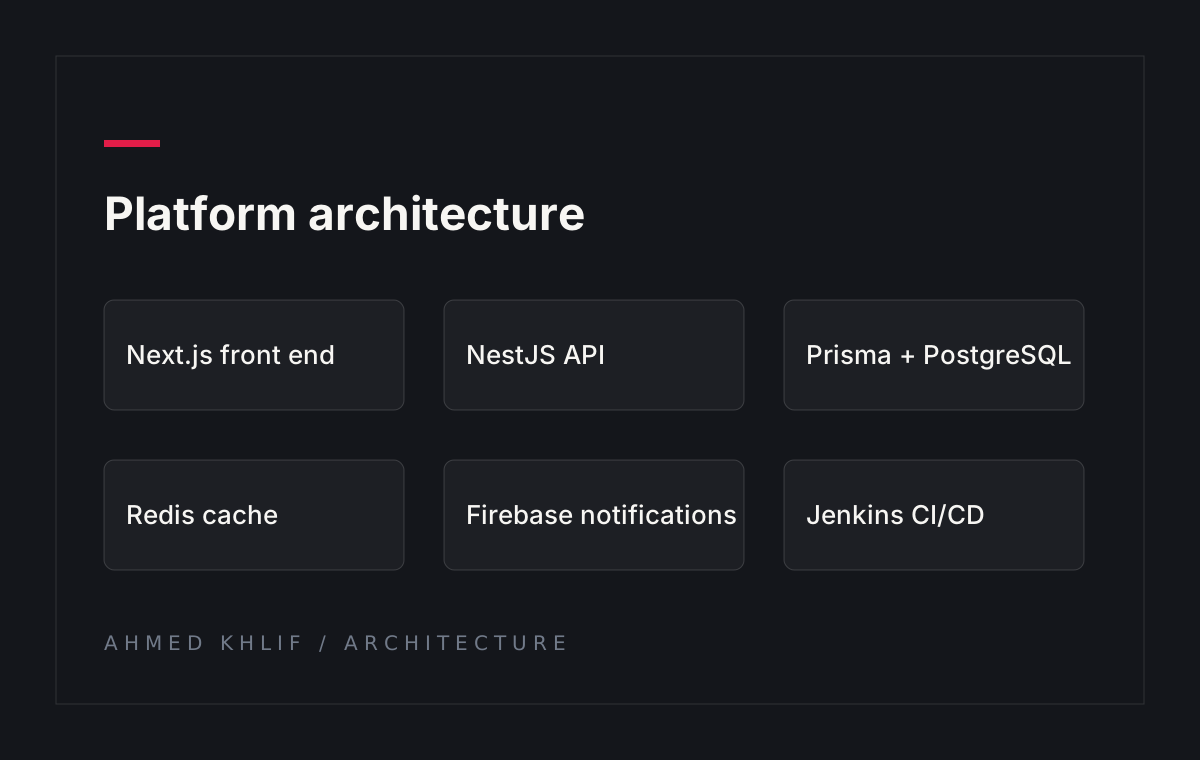
Frontend (Next.js) → NestJS API → Gemini API (prompt with task context, historical estimates, team capacity) → suggestion returned to frontend → engineer acts
The prompt is the real lever here. A generic "estimate this task" prompt produces generic answers. A structured prompt with context — task type, historical similar tasks, current sprint load, team capacity — produces suggestions a human can actually use.
Prompt Design Matters More Than the Model
I structured the prompt to include:
- The task description and context.
- Recent historical estimates for similar tasks (when available).
- Current sprint capacity and outstanding work.
- A constraint: suggest, don't decide; include a short rationale.
That structure alone reduced the gap between suggestion and what the team would have chosen themselves. The model is only as good as the context you give it — and in a planning tool, context is what you have.
What I Learned
- Advisory-only is not a limitation, it's the feature. Users trust a suggestion they can reject more than an automated decision they can't.
- Context is the product. The AI layer is only useful if the surrounding system feeds it good context — historical data, current load, team capacity.
- Explain the suggestion. A number without a reason is suspicious. A number with a one-line rationale is a conversation starter.
Closing
AI in project management works best when it amplifies judgement rather than replacing it. The TDG planning assistant is a small example of that principle: integrated, contextual, and human-controlled.
It's one of the pieces I'm most happy with in the platform, and it's a model I'd use again.
Source: github.com/ahmed-khlif · Role: Full-Stack Developer — PFE Intern @ Tawer Digital Group